Copyright © 2026 - orienthink Team. All Rights Reserved
Information from your device can be used to personalize your ad experience.

Copyright © 2026 - orienthink Team. All Rights Reserved
Information from your device can be used to personalize your ad experience.
Compare email automation features, triggers, workflows, segmentation, analytics, and pricing considerations to find software that fits your business.
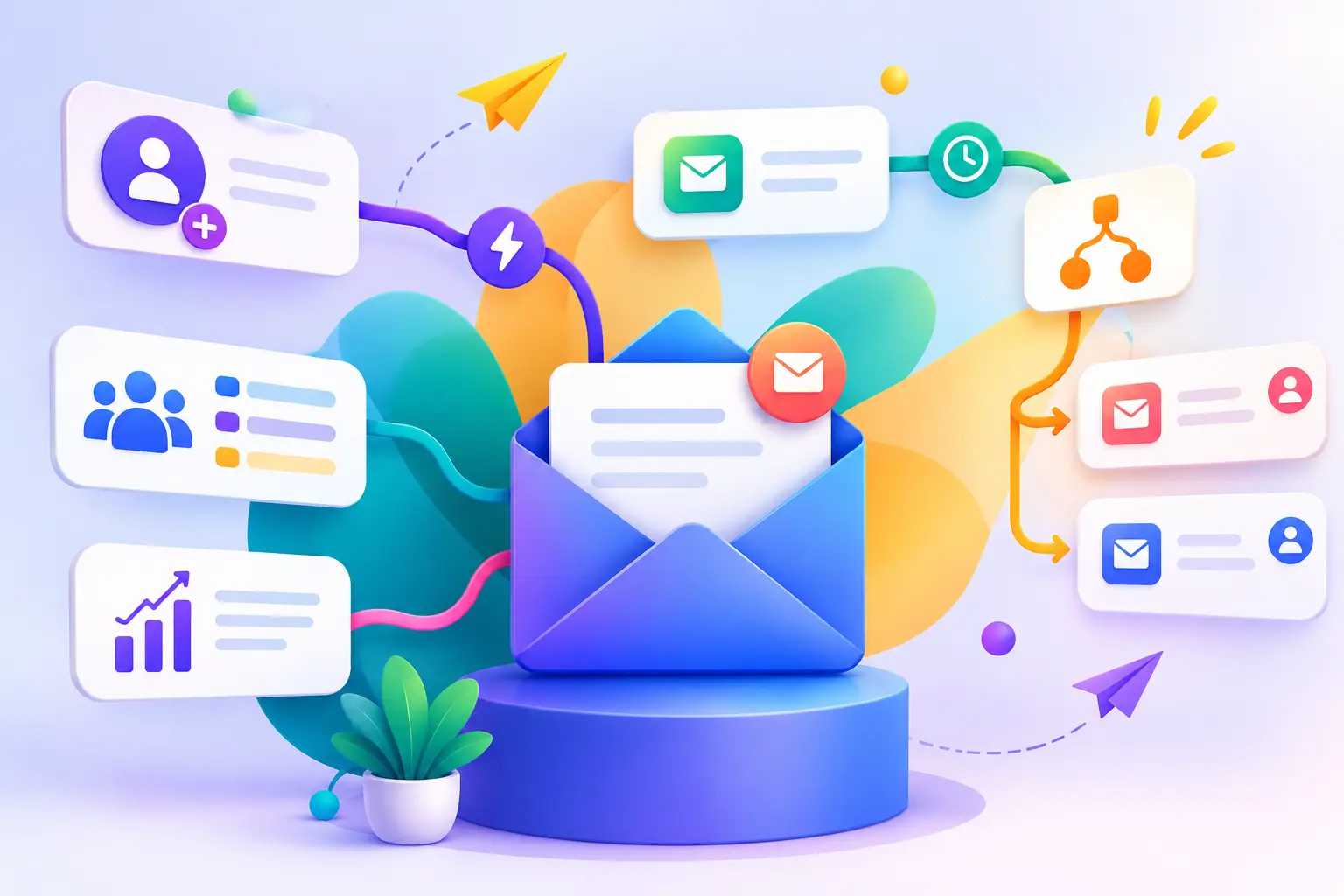
Email automation is a vital feature for businesses aiming to ensure uniform customer communication, effective marketing strategies, and customization in their interactions. But, there are also a lot of differences between email marketing platforms as far as automation, workflow flexibility, Integrations, and restrictions on subscribing to the list. The comparison covers all the key email automation features, clarifies their differences between platforms, and guides businesses in choosing which features fit their marketing goals.
Email automation is the process of sending emails automatically based on certain triggers, user actions, time-based events, or customer lifecycle stages. It has at its heart automation triggers, visual workflow builders, conditional logic, segmentation, personalization, drip campaigns, testing and analytics. There are various variations in the workflow flexibility, behavioral targeting, integration options, reporting, and restrictions on subscription plans with email marketing platforms. Small businesses tend to have simpler automation needs, whereas ecommerce, SaaS, and B2B businesses might need more sophisticated customer journey management. Choosing the right software involves assessing its usability, necessary integrations, workflow restrictions, reporting features, scalability, and cost. Running a representative workflow before committing can help determine feature limitations and ensure that the platform can accommodate marketing activities.
Email automation refers to the process of using software to automate email delivery based on customer behaviour, triggers, scheduled events, or customer lifecycle stages. Email automation features are software features that assist businesses in creating, personalizing, scheduling, delivering and measuring automated email communication. These features minimize manual campaign management and enable seamless communication throughout the customer’s journey. Unlike conventional email marketing, which may demand marketers to manually craft and send individual e-mails, automation software reacts to preprogrammed conditions and subscriber actions.
Email automation, autoresponders, and scheduled campaigns are related email marketing methods, but they differ in their level of interaction and workflow complexity.
| Method | How it works | Purpose |
| Manual email marketing | Marketers prepare and send individual campaigns | Announcements and promotional communication |
| Scheduled campaigns | Emails are delivered at predetermined times | Planned newsletters and marketing campaigns |
| Autoresponders | Predefined messages are sent after specific events | Welcome messages and basic follow-ups |
| Email automation workflows | Multiple messages and actions respond to triggers, conditions, and subscriber behavior | Customer journeys and personalized communication |
An autoresponder typically handles a predefined response, while an automation workflow can coordinate multiple messages, delays, conditions, and follow-up actions.
Read 7 Best Free & Affordable Email Marketing Software for Small Business, for a broader understanding of email marketing solutions.
The benefits of email automation include the ability to save repetitive marketing efforts, send timely emails, personalize customer interactions, ensure consistent engagement, and track campaign performance. Automation facilitates communication all the way through the customer lifecycle, from the moment they subscribe to your service, through to nurturing leads, to retaining customers and re-engaginging them. Successful email automation relies on relevant content, accurate customer data, proper workflow setup, and meaningful metrics.
Key benefits of email marketing automation:
These features enable businesses to create more uniform marketing processes without having to deal with individual customer interactions.
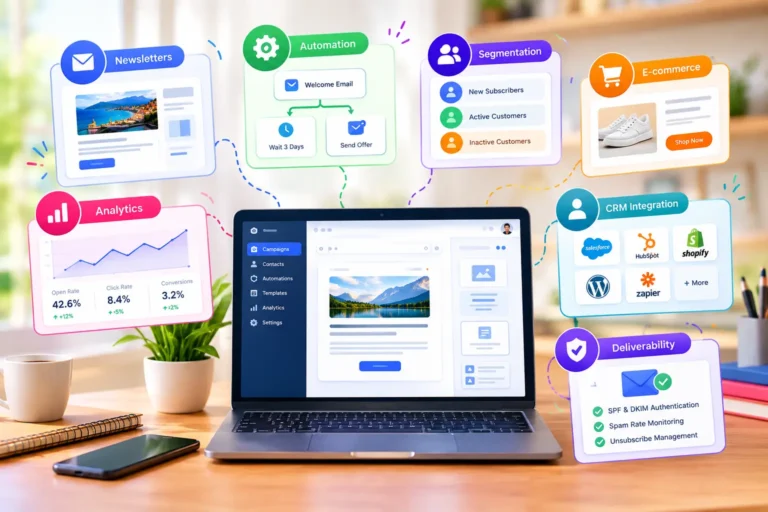
Email Automation Software is a tool that integrates triggers, workflows, conditionals, segmentation, personalization, drip campaigns, testing, and analytics to help manage automated customer communications. While different platforms may refer to these features by different names, they represent the core of most email marketing automation platforms.
An email automation trigger is an event or condition, such as a subscription, purchase, link click, or customer inactivity, that starts an automated email workflow.
Common triggers include New subscriber registrations, Form submissions, Email link clicks, Product purchases, Contact information updates, Customer inactivity, and Custom events supported by integrations.
A visual workflow builder allows marketers to arrange triggers, messages, delays, conditions, and actions through a graphical interface. This feature makes automation easier to understand and manage, particularly when workflows contain multiple steps.
Conditional logic allows an automation workflow to follow different paths depending on subscriber information, engagement, or customer behavior. A conditional email automation workflow uses subscriber information or actions to determine which messages, delays, or follow-up steps occur next. Email segmentation divides subscribers into targeted groups based on characteristics or behavior, allowing automated campaigns to deliver more relevant messages.
Segmentation criteria may include Demographic or profile information, Subscription preferences, Purchase history, Previous email engagement, Customer lifecycle stage, and Website or product activity, where supported.
Personalization uses available customer information to customize email content, messaging, or recommendations. Dynamic content can adapt specific email sections according to subscriber attributes, while behavioral targeting allows workflows to respond to customer activities.
A drip campaign is a sequence of emails delivered over time according to a schedule or subscriber activity. Customer journey automation extends this approach by coordinating communication across different lifecycle stages and behavioral conditions.
Common automated email workflows include, Welcome and subscriber onboarding sequences, Lead nurturing campaigns, Abandoned cart reminders, Post-purchase communication, Customer re-engagement sequences, and Product onboarding messages.
These workflows help businesses maintain consistent communication while adapting messages to customer activities.
Email Automation Testing checks email and workflow to uncover problems and areas for improvement. A/B testing is the process of comparing various aspects of an email campaign, such as the subject line or the content of the message, to determine which one works better. Workflow testing also ensures that triggers, delays, connections, conditional paths and message delivery are correct prior to a campaign activation. Email automation analytics are available via reporting features and can be used to track subscriber activity and campaign results.
Common performance metrics include Email delivery and bounce rates, Open rates, where reliably measurable, Click-through rates, Conversion rates, Unsubscribe rates, and Revenue attributed to automated campaigns, where supported.
Businesses can evaluate email automation performance by tracking relevant metrics such as clicks, conversions, unsubscribe rates, and revenue attributed to automated campaigns.
Email automation feature comparison involves evaluating platforms across workflow builders, triggers, conditional logic, segmentation, personalization, integrations, analytics, and plan limitations.
The following table summarizes representative platforms and their documented automation capabilities. Feature availability and access should be verified against current product documentation and subscription plans before publication or purchase.
| Platform | Automation capabilities | Considerations |
| Mailchimp | Visual customer journeys, triggers, conditional splits, email actions, and reporting | Some flow capabilities depend on the subscription plan |
| ActiveCampaign | Automation-focused workflows and customer communication capabilities | Verify required workflow features and plan availability before choosing |
| Brevo | Email marketing and automated customer communication | Confirm supported triggers, workflow limits, and integrations for your intended use |
| Klaviyo | Ecommerce-oriented customer messaging and behavioral automation | Evaluate ecommerce data connections and the specific events available to workflows |
| HubSpot | CRM-connected marketing workflows and customer lifecycle management | Check which automation capabilities require particular subscription tiers |
| MailerLite | Visual workflows, triggers, delays, conditions, and testing steps | Feature limits and multiple-trigger availability vary by plan |
| Omnisend | Prebuilt workflows, triggers, filters, delays, and email/SMS/push channels | Review channel settings, integrations, and workflow requirements |
The most useful comparison examines what each feature allows you to accomplish, rather than simply checking whether a platform advertises automation.
| Feature | Comparision | Why |
| Workflow builder | Visual editing and workflow complexity | Determines how easily you can design customer journeys |
| Triggers | Signup, clicks, purchases, and custom events | Controls when automation begins |
| Conditional logic | If/else rules, branching, and delays | Supports behavior-based messaging |
| Segmentation | Tags, customer activity, and purchase history | Helps target relevant audiences |
| Personalization | Dynamic content and customer information | Makes messages more relevant |
| Testing | A/B testing and workflow testing | Helps identify improvements and errors |
| Analytics | Engagement, conversions, and revenue attribution | Measures campaign outcomes |
| Integrations | CRM, ecommerce, forms, and APIs | Connects automation with existing systems |
| Scalability | Contact, sending, and workflow limits | Supports future business requirements |
Feature availability does not necessarily mean unlimited access or identical functionality across subscription plans.
The most suitable email automation features depend on a business’s communication goals, customer data, required workflows, technical resources, and budget.
Small businesses generally benefit from straightforward workflows, welcome sequences, basic segmentation, scheduled communication, and essential reporting. Content creators may prioritize subscriber onboarding, newsletter sequences, audience preferences, and consistent communication with different subscriber groups.
Useful capabilities include:
Ecommerce businesses often require purchase-based triggers, abandoned-cart workflows, customer segmentation, post-purchase communication, and product-related personalization. Behavioral automation can help ecommerce teams coordinate messages around shopping activity and customer lifecycle stages.
SaaS companies may prioritize signup automation, product-event triggers, onboarding sequences, and lifecycle messaging. B2B organizations may require CRM integration, lead nurturing, lead scoring, and sales follow-up workflows. These requirements make integration compatibility and workflow flexibility important considerations during software evaluation.
Choosing email automation software involves matching required customer journeys with available triggers, workflow controls, integrations, reporting, and budget. A representative workflow test helps identify practical limitations that may not be obvious from feature lists or marketing descriptions.
Before committing to a platform, evaluate the following requirements.
A growing online retailer can use an integrated email automation workflow to manage subscriber onboarding, customer engagement, purchase communication, and performance measurement through a connected customer journey.
Use Case: Automating the customer journey for an ecommerce store
Consider an online retailer that wants to reduce repetitive marketing tasks while maintaining relevant communication with subscribers and customers. The business begins by connecting its ecommerce platform, email marketing software, and customer database. It then creates an automation workflow that responds to customer activity.
| Customer journey stage | Automation feature | Workflow action |
| Subscriber registration | Signup trigger | Add the subscriber to the welcome workflow |
| Initial engagement | Scheduled email and delay | Deliver introductory communication |
| Audience targeting | Segmentation | Organize subscribers according to available preferences or activity |
| Customer interaction | Behavioral trigger | Respond to supported clicks or other tracked actions |
| Shopping activity | Ecommerce integration | Identify eligible shopping events |
| Incomplete purchase | Conditional workflow | Send an appropriate abandoned-cart reminder |
| Completed purchase | Purchase trigger | Start post-purchase communication |
| Customer retention | Customer segmentation | Deliver relevant follow-up messages |
| Campaign evaluation | Analytics and reporting | Monitor clicks, conversions, and other available metrics |
| Workflow improvement | Testing and optimization | Review performance and adjust messages or timing |
This use case integrates automation triggers, visual workflow construction, conditional logic, segmentation, personalization, integrations, testing, and analytics into a single seamless customer journey. The retailer should test each workflow path prior to activation, ensure that customer data is synchronized properly, and ensure the necessary capabilities are part of the retailer’s chosen subscription plan.
This approach demonstrates how email automation features complement one another to support a complete customer communication process.
With email automation features, businesses can send timely, personalized emails, minimize repetitive marketing tasks, and better manage the customer journey. The comparison points out the key differences among the workflow builders, triggers, conditional logic, segmentation, personalization, integrations, analytics, and subscription limitations. Simple workflows can be sufficient for small businesses, while ecommerce, SaaS, and B2B organizations might need more complex behavioral workflows. In the end, you need to choose the email automation solution that fits your actual communication needs, rather than complicating or costing too much. Assess key capabilities, run a sample workflow, and scale automation to meet evolving business requirements.