Copyright © 2026 - orienthink Team. All Rights Reserved
Information from your device can be used to personalize your ad experience.

Copyright © 2026 - orienthink Team. All Rights Reserved
Information from your device can be used to personalize your ad experience.
Explore email marketing tools for small businesses, compare features and free plans, and find affordable software for your marketing goals.
Email marketing is now a viable option for small businesses to maintain customer contact, advertise products and services and develop long-lasting customer relationships. There are dozens of email marketing platforms with varying features, pricing models and limitations, though, which makes it hard to know which one to select. This guide will look at the top email marketing solutions for small businesses, discuss their main features and price factors, and help you select the platform best suited to your marketing objectives, audience and budget.
Key takeaways
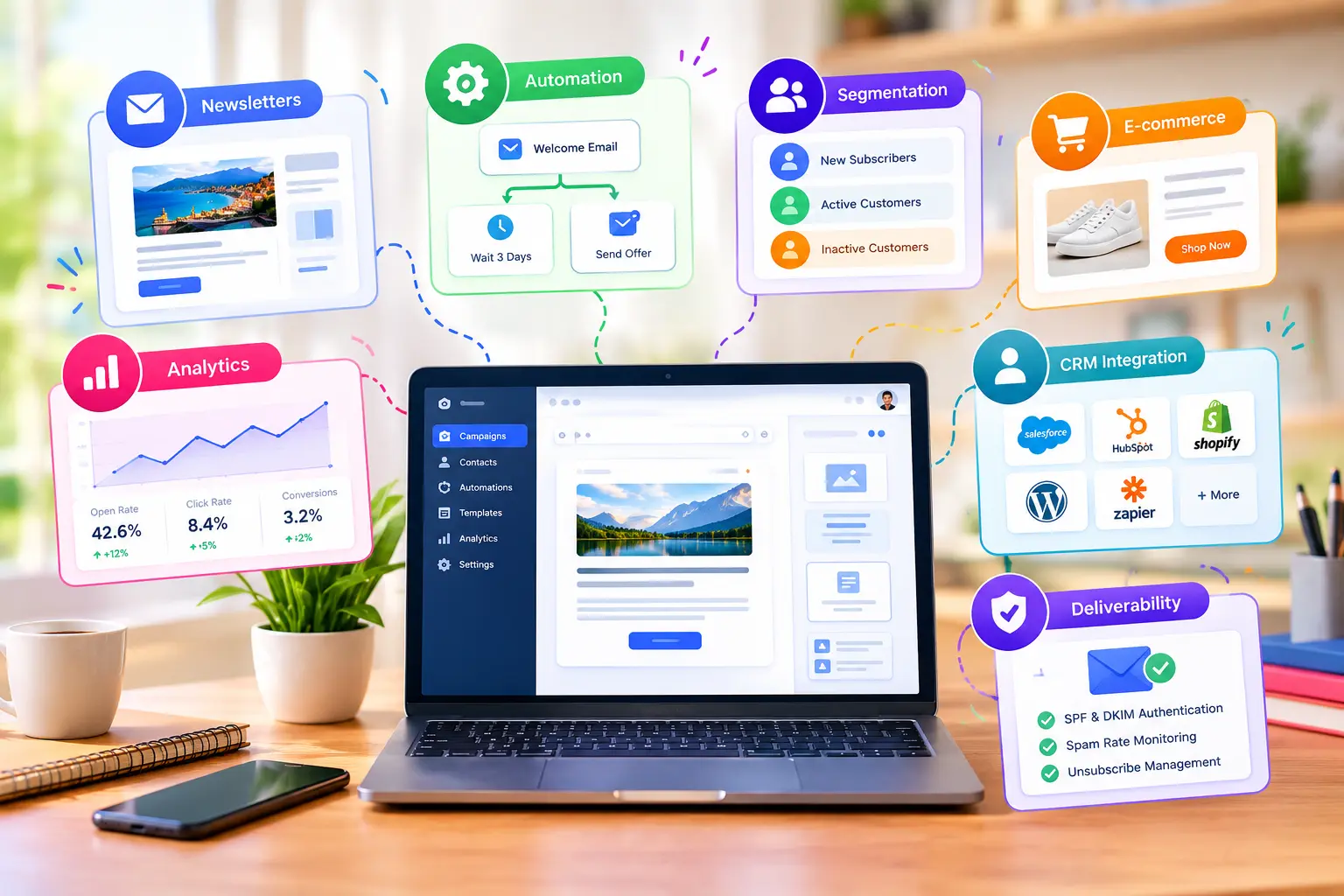
Email marketing tools enable small businesses to build, send, automate, and track campaigns to help them communicate with customers and grow their business. Typically, these platforms feature a newsletter builder, contact management, audience segmentation, workflow automation, and campaign analytics. The best email marketing software will rely on elements such as the budget, the number of subscribers, how many emails you send every month, integrations, and automation. While free plans can be a great starting point, each provider does have restrictions on number of subscribers, sending limits, and features available. You can eliminate repetitive tasks by using email automation to automatically send welcome messages, customer follow-ups, and promotional campaigns. Key factors to compare between platforms include pricing, usability, deliverability capabilities, integrations, and scalability. Permission-based contacts, welcome email, sending out relevant campaigns and measuring the results are among the basic workflows that can be implemented.
Email marketing software is a digital solution used to help businesses develop, deliver, automate and track email marketing communications with subscribers and customers. Furthermore, email marketing solutions have a variety of features, including newsletter builders, contact administration, audience division, automation workflows, and campaign analytics. This functionality enables small enterprises to deal with customer interaction without having to send individual messages. For instance, a photography studio in your area might gather customer e-mail addresses from their website, send a welcome message and offer seasonal photography packages all on a single website.
Individual email (e.g. Gmail, Outlook) for individual communication, and email marketing (e.g. Marketing automation platforms) for email campaigns to the subscriber groups. Gmail may be great to respond to a customer request, while an email marketing platform can send out a newsletter to hundreds of subscribers who have opted in and allow you to measure how your campaign is performing.
Additionally, marketing software provides:
Email marketing tools enable small businesses to foster customer relationships, market their products and services, automate email communication, and track the effectiveness of marketing campaigns. Email offers a direct way of communicating all sorts of business information, introducing services, offering deals and building customer relationships. For instance, a freelance designer may email their clients their portfolio updates and service announcements to their previous clients regularly, without having to make individual contacts with each of them.
Email automation is the process of sending out messages that are triggered by specific events or happenings, like when a subscriber signs up, purchases a product or interacts with a previous email. For instance, a welcoming e-mail can be automatically sent once a customer registers for a web store and a follow-up e-mail can be sent after they buy something. Businesses can also gain insight from the analytics of their campaigns to find what messages are drawing attention and making people take action, making it easier to tweak future campaigns based on real engagement metrics.
Small businesses should look for software that is easy to use, has robust contact management, offers email marketing automation, provides analytics, includes integrations, supports deliverability, and has transparent pricing. Not all companies require sophisticated features from the get-go. For instance, a freelancer who is sending a monthly newsletter could have a basic email editor and management, while an online retailer might need segmentation, e-commerce integration and purchase-driven automation.
When choosing email marketing software for small businesses, features such as usability, contact management, automation, analytics, integrations, deliverability support, and transparent pricing should all be taken into account.
Not all businesses necessarily require complicated features right away, however. For a freelancer, who is sending newsletters every month, a basic editor will do, but for an online retailer, purchase-based automation will be necessary.
| Feature | What to look for | Practical example |
| Visual editor | Drag-and-drop email creation | Design a newsletter without coding |
| Contact management | Organized subscriber lists | Separate customers from prospects |
| Segmentation | Groups based on interests or actions | Send offers to relevant customers |
| Automation | Scheduled or triggered messages | Welcome new subscribers automatically |
| Templates | Responsive email designs | Create mobile-friendly promotions |
| Analytics | Clicks, conversions, unsubscribes | Evaluate campaign performance |
| Integrations | Website, CRM, and store connections | Synchronize customer information |
| Deliverability | Authentication and unsubscribe support | Support responsible email sending |
The best email marketing tools for small businesses are the ones that provide the features you need and offer low cost. The top email marketing platform will vary depending on the nature of your business, whether it’s newsletters, price, automation, e-commerce campaigns, or customer relationship management.
The next seven platforms are for different needs. Prices and free plan availability is subject to change, please visit each provider’s pricing page before signing up.
Mailchimp is an email marketing and customer engagement platform used by businesses to create campaigns, manage audiences, and automate marketing communications. It is widely recognized for making email marketing accessible to organizations of all sizes and has expanded into a broader marketing platform with tools for customer journeys, analytics, and online commerce.
Mailchimp centers on email campaign creation, audience management, and marketing automation. Users can design emails with templates, segment contacts based on behavior or demographics, schedule campaigns, and track metrics such as opens, clicks, and conversions. The platform also supports landing pages, signup forms, social media publishing, and integrations with many third-party business tools.
Key features:
| Pricing considerations | A free plan is available with restrictions. Paid pricing depends on plan, contact count, and selected features. |
| Limitations | Advanced functionality and larger audiences can increase subscription costs. |
| Best suited for | Small businesses managing newsletters, promotions, and general customer communication. |
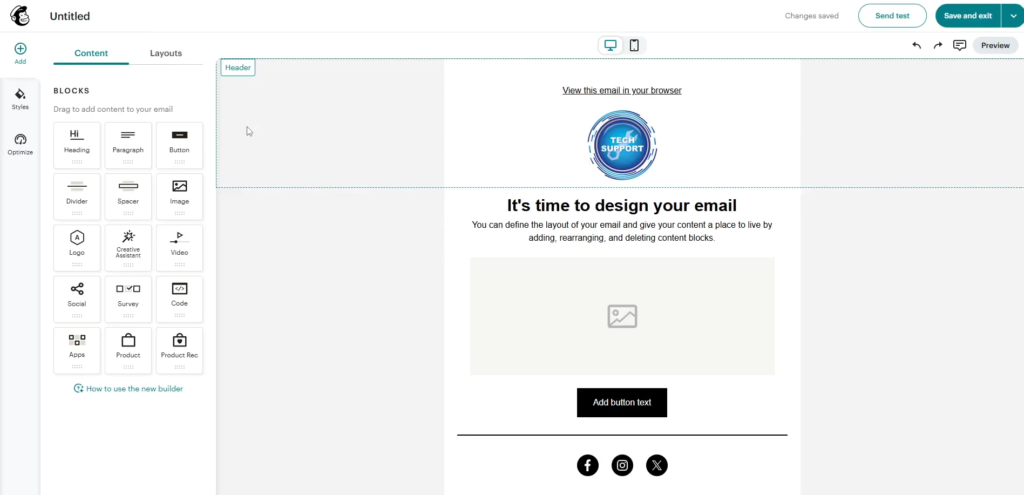
MailerLite is an email marketing and newsletter platform that combines email campaigns, marketing automation, landing pages, websites, and subscriber management in a single application. It is widely recognized for its straightforward interface, competitive pricing, and focus on helping creators, small businesses, and growing organizations launch and manage email marketing without a steep learning curve.
MailerLite brings together several digital marketing tools that are often split across multiple services. Users can create newsletters with a drag-and-drop editor, build automated email sequences, design landing pages and signup forms, segment subscribers, perform A/B tests, and analyze campaign performance from one dashboard. The platform also supports website creation, digital product sales, and paid newsletter subscriptions, reducing the need for separate tools in many workflows.
Key features:
| Pricing considerations | A free plan is available, while paid plans vary according to subscriber count and included features. |
| Limitations | Businesses requiring complex CRM functionality may need additional software. |
| Best suited for | Beginners, freelancers, bloggers, and small businesses building their first subscriber community. |
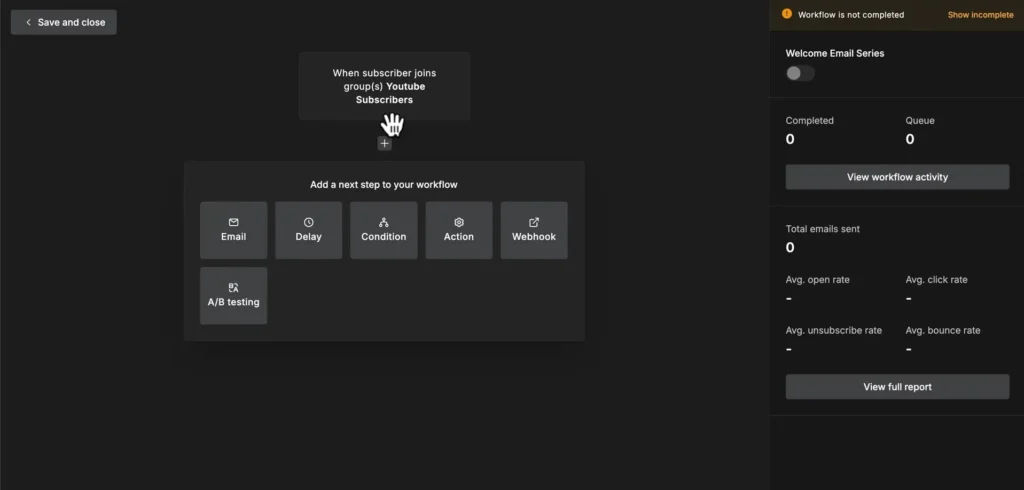
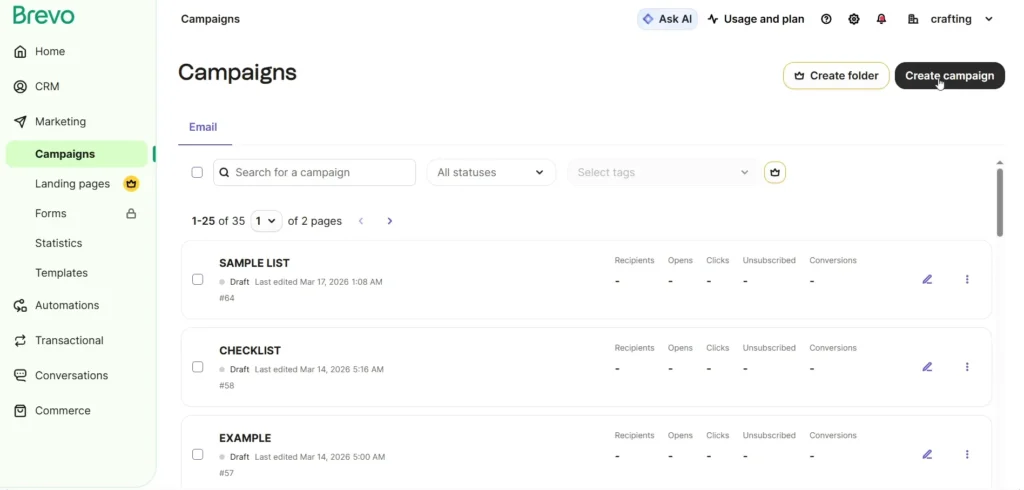
Brevo is a cloud-based customer communication platform that combines email marketing, CRM, marketing automation, and multichannel messaging in a single application. Originally launched as Sendinblue, it has expanded beyond email into a broader customer engagement platform aimed primarily at small and midsize businesses, though it also serves larger organizations.
Brevo centers around managing customer relationships across multiple communication channels from one interface.
Key features:
| Pricing considerations | Free and paid options are available, with allowances depending on the selected plan. |
| Limitations | Some advanced features require higher-tier subscriptions. |
| Best suited for | Service providers, startups, and businesses managing regular customer communication. |
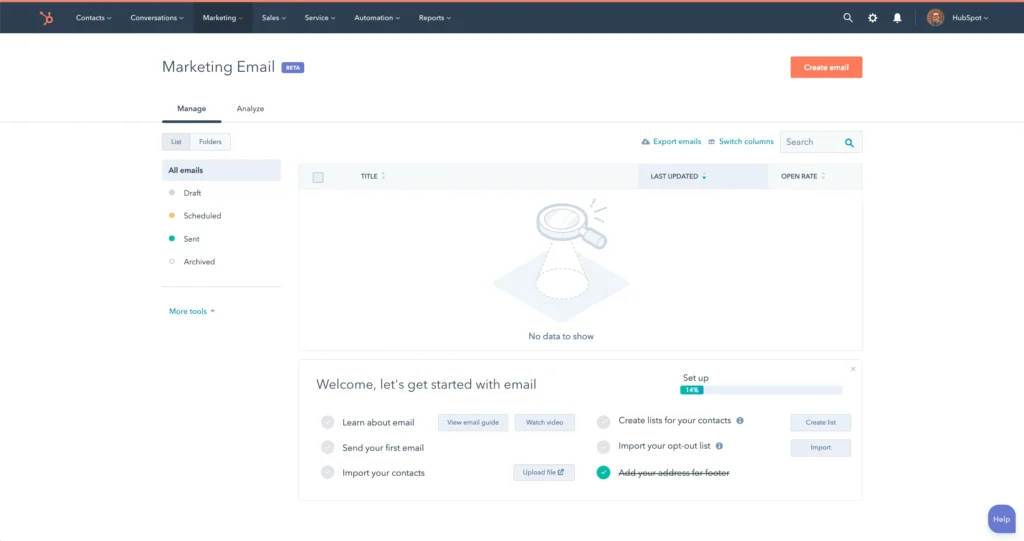
HubSpot is a cloud-based customer relationship management (CRM) and marketing automation platform that brings together marketing, sales, customer service, content management, and operations tools in a single ecosystem. It is widely used by businesses of all sizes, particularly small and midsize organizations, and has become one of the best-known platforms for inbound marketing and customer growth.
HubSpot organizes its platform into specialized Hubs that share a common CRM database. This unified approach allows teams to manage contacts, automate workflows, track customer interactions, and report on the full customer lifecycle without switching between disconnected systems.
Key features:
| Pricing considerations | Free tools are available, while advanced marketing capabilities generally require paid subscriptions. |
| Limitations | Costs and complexity can increase as businesses adopt additional features or higher service tiers. |
| Best suited for | Growing businesses that want marketing and customer information connected. |
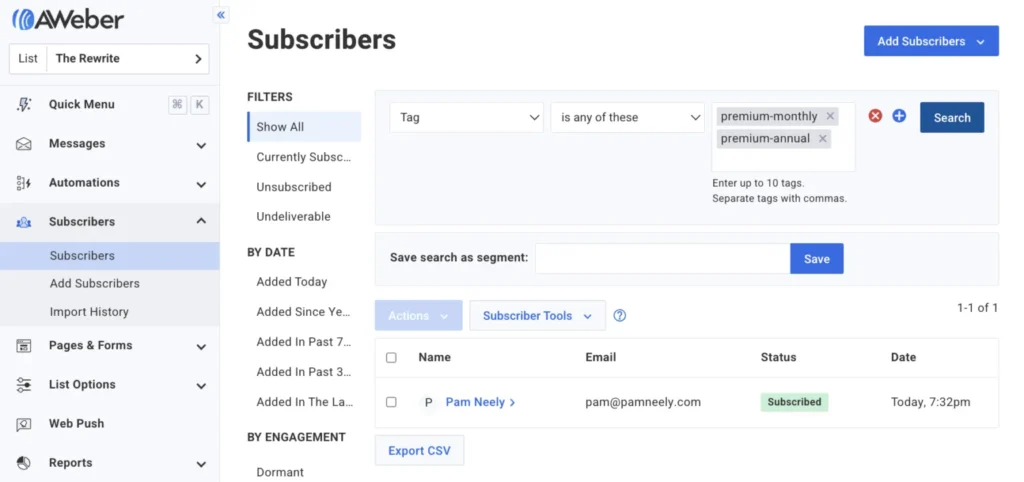
AWeber is an email marketing and newsletter platform designed primarily for small businesses, creators, nonprofits, and entrepreneurs. It combines email campaign creation, subscriber management, automation, landing pages, and analytics in a single service, with a strong emphasis on ease of use and customer support.
Key features:
| Pricing considerations | Free and paid options may be available depending on current plan terms and subscriber requirements. |
| Limitations | Businesses with extensive CRM requirements may need complementary software. |
| Best suited for | Newsletter publishers, independent professionals, and small businesses maintain regular email communication. |
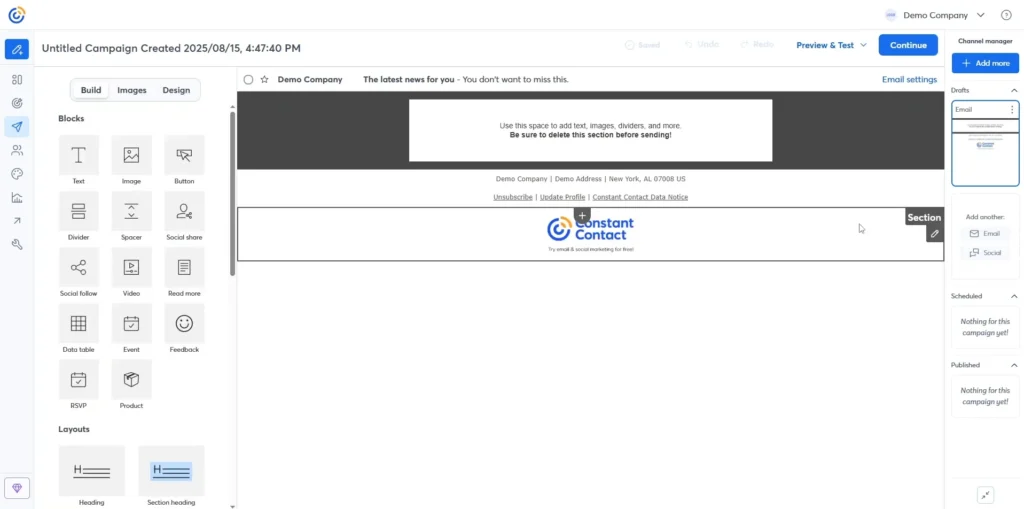
Constant Contact is a cloud-based email marketing and digital communications platform designed primarily for small businesses, nonprofits, and organizations that need to manage email campaigns, events, and customer engagement. It has evolved from a traditional email newsletter service into a broader marketing platform with automation, social media, SMS, and event management capabilities while maintaining a strong focus on ease of use.
The platform integrates with hundreds of third-party applications, including ecommerce platforms, CRMs, payment processors, and design tools. Popular integrations include Shopify, Salesforce, Canva, Stripe, Etsy, and Vimeo, helping synchronize customer data and marketing activities across systems.
Key features:
| Pricing considerations | Paid subscriptions vary according to contact volume and selected features; trial availability may change. |
| Limitations | Evaluate the available automation features and subscription cost against your specific requirements. |
| Best suited for | Local retailers, service providers, community organizations, and event-based businesses. |
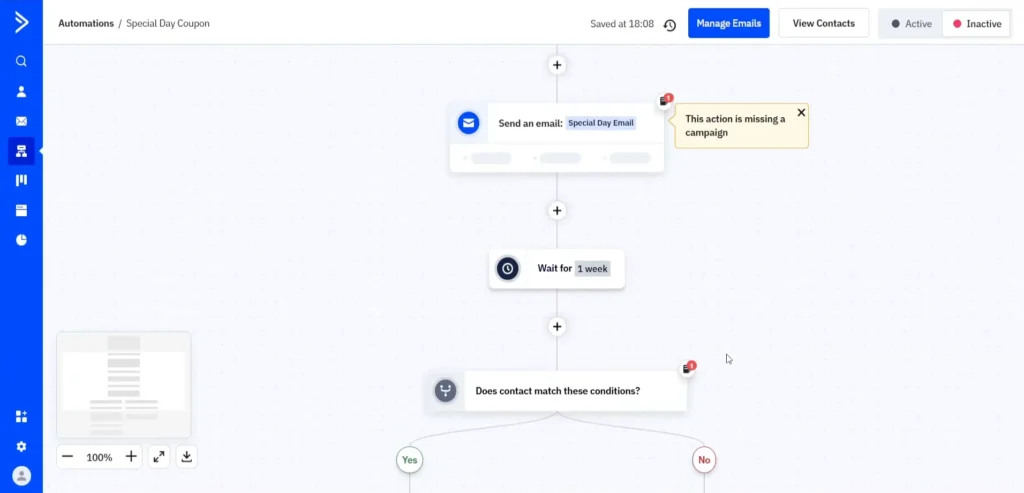
ActiveCampaign is a cloud-based marketing automation and customer relationship management (CRM) platform designed to help businesses automate marketing, manage customer relationships, and personalize communications. It is widely used by small and midsize businesses and has expanded beyond email marketing into AI-assisted automation, sales workflows, and cross-channel customer engagement.
ActiveCampaign is generally positioned between basic email marketing platforms and enterprise marketing suites. It is often evaluated alongside products such as HubSpot, Mailchimp, Klaviyo, and Salesforce Marketing Cloud, with its strongest reputation centered on sophisticated automation workflows for growing businesses. The company reports serving more than 180,000 customers across 170+ countries, with a focus on helping marketing and sales teams automate repetitive work and deliver more personalized customer experiences.
Key features:
| Pricing considerations | Paid plans vary according to contacts, features, and subscription terms. |
| Limitations | Its extensive functionality may require additional setup and learning for beginners. |
| Best suited for | Businesses managing multiple customer journeys and advanced follow-up processes. |
Email marketing platforms differ in pricing structure, automation depth, usability, integrations, analytics, and ideal business applications. The following table summarizes their general positioning rather than assigning an unsupported universal ranking.
| Platform | Pricing | Free option | Automation | Use case |
| Mailchimp | Contact and plan-based | Yes, limited | General campaigns | Small business marketing |
| MailerLite | Subscriber and feature-based | Yes, limited | Beginner-friendly workflows | Newsletters |
| Brevo | Sending and plan-based | Yes, limited | Customer communication | Budget-conscious businesses |
| HubSpot | Feature and tier-based | Yes, limited tools | CRM-connected workflows | Customer management |
| AWeber | Plan and subscriber-based | Options vary | Email sequences | Newsletter creators |
| Contact | Contact and plan-based | Trial availability varies | Campaign follow-ups | Local businesses |
| ActiveCampaign | Contact and feature-based | Trial availability varies | Advanced journeys | Complex automation |
Please note: The lowest advertised subscription price does not always mean the lowest overall price. The actual charges may be different due to subscriber growth, monthly sending allowances, added users or premium features.
By aligning their marketing goals, audience size, budget, and desired features with the capabilities of an email marketing software, small businesses can find the right solution for their needs.
Consider this handy checklist when making your final decision on a subscription.
The right email marketing tool helps small businesses communicate consistently, organize subscribers, automate repetitive tasks, and understand campaign performance. Ultimately, your decision should reflect your budget, audience size, sending volume, required integrations, and future marketing plans. You do not need an elaborate automation system to begin. Start with a permission-based subscriber list, a useful welcome email, and a relevant newsletter. As your business grows, introduce segmentation, automation, and analytics that support your actual needs.