Copyright © 2026 - orienthink Team. All Rights Reserved
Information from your device can be used to personalize your ad experience.

Copyright © 2026 - orienthink Team. All Rights Reserved
Information from your device can be used to personalize your ad experience.
Discover 7 types of email marketing software, their features, uses, and examples. Find the right platform for your business.
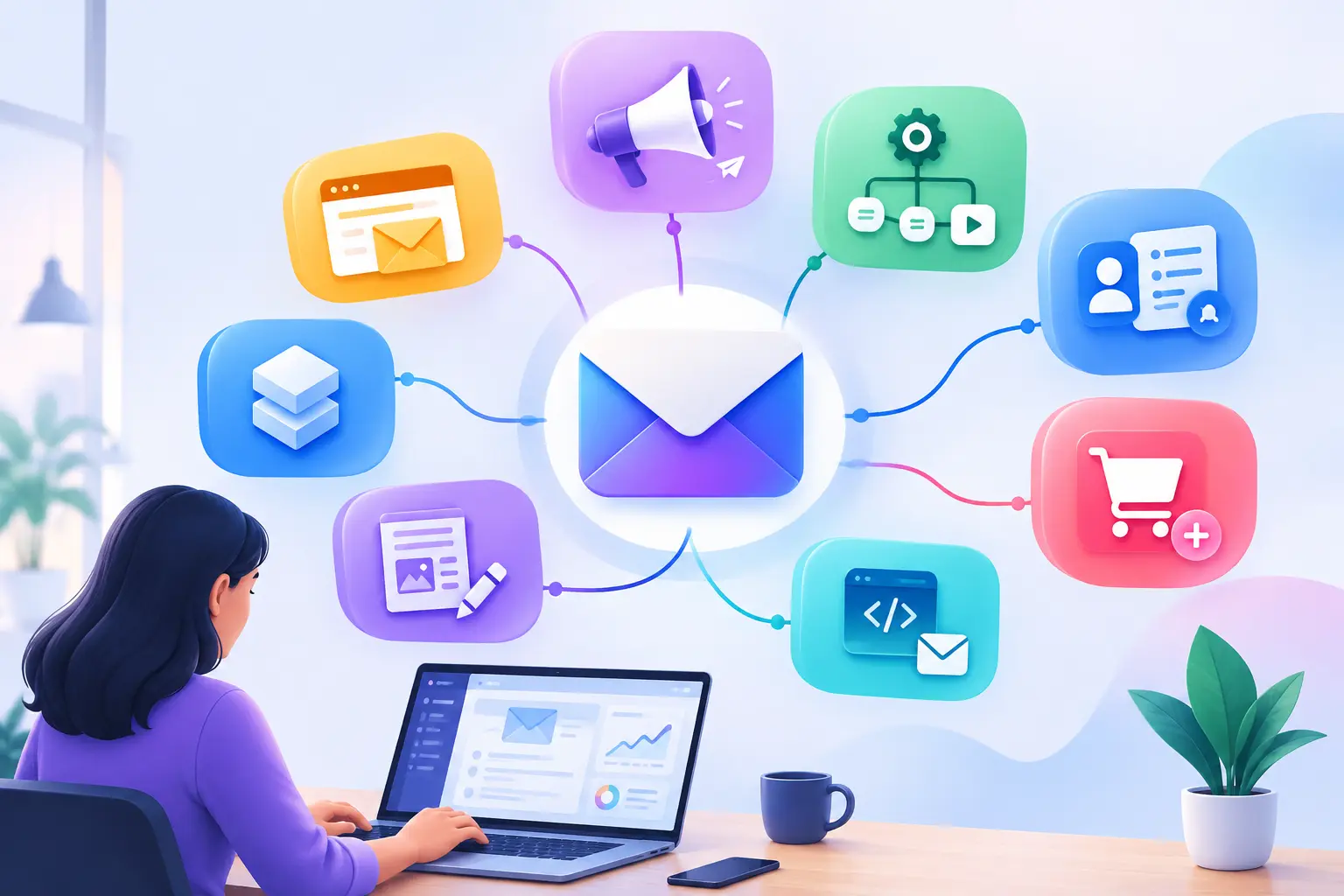
Email marketing is a tool that can be used to communicate with customers, update them on news, and promote products or services to them. However, the selection of the right software isn’t always easy, particularly when it includes newsletters, automation, CRM integration and ecommerce capabilities. This guide will help you understand the various categories of email marketing software, their differences, and how to determine which category is right for your business.
Key takeaways:
Email marketing software is a digital platform designed to enable businesses to build, send, automate, and track email campaigns to subscribers and customers. Furthermore, there are specialized email marketing software that offer list management, campaign creation, scheduling, and performance tracking features. Email marketing software differs from typical email clients like Gmail or Outlook by enabling structured communication with bigger groups with the help of campaign management, segmentation, and automation.
Email marketing software is a collection of various functions within a single communication workflow.
Email marketing software enables companies to organize communication with their customers consistently, minimize repetitive marketing activities, and track the performance of their email campaigns. Furthermore, the software offers a systematic method of interaction with subscribers that have opted to get updates. For instance, a local retailer may plan product announcements rather than send them individually to their customers.
Email is still a viable marketing channel that requires constant attention. According to the 2024 State of Email Innovations report by Litmus, 30% of marketers were planning to boost their email marketing budgets, and 45% already leveraged AI to assist with the production of email content. The report also revealed that 72% weren’t sure of the ROI of their email program. The results illustrate the importance of campaign measurement and workflow management, in addition to message generation.
Key benefits include:
But, software is not enough to ensure engagement, conversions or revenue. Effective results still rely on relevant content, permission-based subscriber lists and effective marketing practices.
Various kinds of email marketing software are available. Campaign and newsletter platforms, automation software, CRM-integrated platforms, ecommerce email platforms, transactional email services, creator-focused newsletter platforms and all-in-one marketing platforms are the primary categories of email marketing software. Furthermore, each category has a different communication need, while many platforms include several capabilities.
Email campaign software and newsletter software can be used to develop and send out scheduled emails, announcements and promotions to businesses. First, these platforms are designed for easy email building and communication with subscribers. Common features include drag-and-drop editors, templates, contact management, scheduling, and simple reporting. Ideal for Small business, bloggers, nonprofits, and organizations that are sending regular updates.
Examples: Mailchimp, Brevo and Constant Contact
For more information, read Email Marketing Tools for Small Businesses: The Ultimate Guide to Choosing the Right Platform
Email marketing automation software automatically sends relevant emails based on the predefined workflows, information about subscribers, and behavioral triggers. Additionally, automation platforms can assist companies with repetitive communication without having to send all communications manually. Some of the common features are welcome sequences, drip campaigns, behavioral triggers, workflow builders, and lead nurturing. Ideal for Companies dealing with customer onboarding, lead nurturing and customer lifecycle communication.
Examples: ActiveCampaign, HubSpot, and GetResponse
For more information, read Email Marketing Tools for Small Businesses: The Ultimate Guide to Choosing the Right Platform
CRM email marketing software integrates customer relationship data with email marketing to facilitate audience segmentation, personalization and customer lifecycle management. Moreover, these platforms link marketing efforts to customer information, lead tracking and sales data. Ideal for B2B businesses, service providers, sales teams and businesses with extended customer relationships.
Examples: HubSpot Marketing Hub and Zoho Campaigns with Zoho CRM
For more information, read Email Marketing Tools for Small Businesses: The Ultimate Guide to Choosing the Right Platform
Ecommerce email marketing software can help online businesses with purchase-related email marketing, customer segmentation, and automated shopping workflows. Moreover, ecommerce platforms can integrate with store information to enable abandoned cart messages, follow-up purchase messages, product recommendations, and customer retention campaigns. Ideal for Shopify, WooCommerce and other online stores.
Examples: Klaviyo and Omnisend
Transactional email software is used to send out emails that are automated based on certain customer or system actions, including account verification, password resets, and purchase confirmations. Transactional messages are not promotional in nature, but instead convey information directly related to a user’s activity or account. Common features are API or SMTP integration, event-based delivery, bounce management, delivery status tracking, and transactional templates. Ideal for SaaS apps, ecommerce, online services, and development teams.
Examples: Amazon SES, SendGrid, and Postmark
Newsletter platforms for creators are made to assist independent publishers, writers, and educators in creating and promoting their subscriber base and material. In addition, these tools may include a variety of newsletter features, audience-building components, and paid newsletter options, if available. Ideal for Writers, bloggers, educators and independent content creators.
Examples: Kit and beehiiv
All-in-one marketing platforms are those that include not just email marketing, but other marketing and customer-management tools as well. Moreover, these systems can consist of automation, CRM performance, landing pages, forms, analytics, and other communication channels. Importantly, there is an overlap between all-in-one platforms and a number of other categories. What sets them apart is the integration of several marketing workflows in a single system. Ideal for Growing businesses coordinating several marketing activities.
Examples: HubSpot and Brevo
Email marketing software categories differ primarily in their main purpose, automation capabilities, and connection to business workflows.
| Software category | Purpose | Use case | Examples |
| Campaign and newsletter | Scheduled email communication | Newsletters and announcements | Mailchimp, Constant Contact |
| Automation | Triggered communication | Welcome sequences and drip campaigns | ActiveCampaign, GetResponse |
| CRM-integrated | Customer-data-driven marketing | Lead follow-ups and segmentation | HubSpot, Zoho Campaigns |
| Ecommerce | Store-related communication | Cart reminders and purchase follow-ups | Klaviyo, Omnisend |
| Transactional | Essential automated messages | Receipts and account notifications | Amazon SES, SendGrid |
| Creator-focused | Newsletter publishing | Subscriber communities | Kit, beehiiv |
| All-in-one | Multiple marketing workflows | Connected campaigns and lead management | Brevo, HubSpot |
The most useful email marketing software features depend on your communication goals, audience size, technical requirements, and budget.
| Feature | Why it matters |
| Email builder | Creates professional campaigns |
| Templates | Reduces design and setup time |
| Automation | Handles recurring communication |
| Segmentation | Organizes subscribers by relevant characteristics |
| Personalization | Makes messages more relevant |
| Analytics | Measures campaign performance |
| Integrations | Connects email with existing tools |
| Deliverability tools | Supports reliable email delivery |
| Consent management | Helps manage subscriber permissions |
| Scalability | Accommodates changing business requirements |
When selecting an email marketing software, you need to consider your communication objectives, automation needs, audience size, integrations, and budget and compare them to the features of a suitable platform. There are seven steps to consider when assessing options.
For example, a freelancer who sends updates to customers on a monthly basis would require a simple newsletter platform, whereas a business with several different customer journeys would find it more beneficial to have automation and CRM integration.
Common pitfalls are that people look for the cheapest option, they don’t consider integrations, or they buy a feature they don’t actually need. Also, businesses should steer clear of:
A business may choose a cheaper platform but find that its plan doesn’t support integrating the CRM system it needs.
There are various types of email marketing software, ranging from basic newsletters to automated customer journeys and transactional emails. The final answer is the platform that suits your existing objectives, necessary features, technical requirements, and budget. Begin with a small workflow, track its results, and build on it as your business grows.